


14 Photos You Should Carry with You at All Times—but Don’t
Updated: Jul. 09, 2024





It's a little-used life hack, but your photo library can save you time and frustration by putting important information literally at your fingertips.
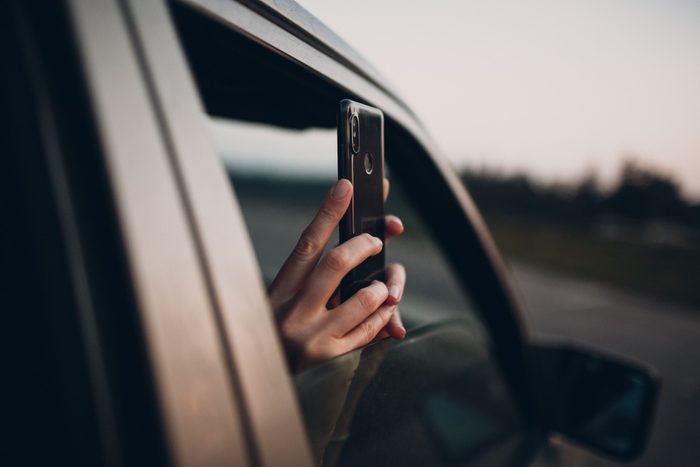
How photos on your phone can be a lifesaver
Your smartphone’s photo library can serve as your filing cabinet, GPS, legal backup, and more, according to travel and tech expert Maurice Freedman. Having those resources at your fingertips can come in very handy. Just make sure those photos are secure. “Remember that anything you photograph doesn’t just live on your phone—in many cases, those photos are simultaneously shared with all of your devices and the cloud,” Freedman says, “so strong passwords are key to privacy and security.” If you’re worried about privacy, here’s how to hide photos on an iPhone.
Here are the photos you ought to have on your smartphone for reference, for emergencies, and for peace of mind. Place them in a dedicated photo album on your phone so you don’t have to scan through hundreds of family snaps to find them.
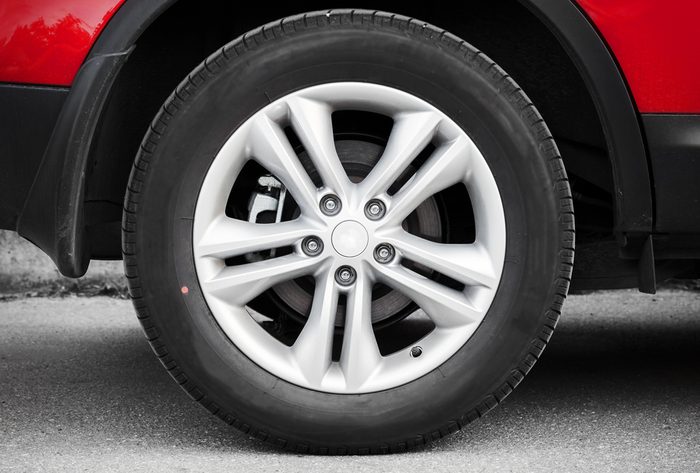
Rental car
“I take photos of rental cars—before and after I rent them—so that if I’m ever charged with damages, I have images that are time/location stamped,” says Freedman. “Bumpers—especially the corners—are very commonly scratched or damaged, and cost a ton to repair.”
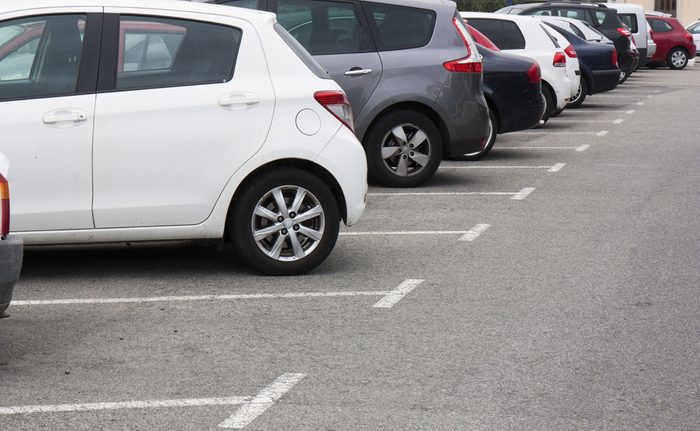
Finding your car
Freedman calls this his “old man trick.” He takes a picture of where he parked his car—especially rentals—and preferably, with the car in the photo. “There’s nothing like aimlessly walking around a massive parking lot, especially when I have no idea what kind of car I was even driving.” Keep your phone and all the pictures you take safe by avoiding 12 password mistakes that hackers hope you’ll make.
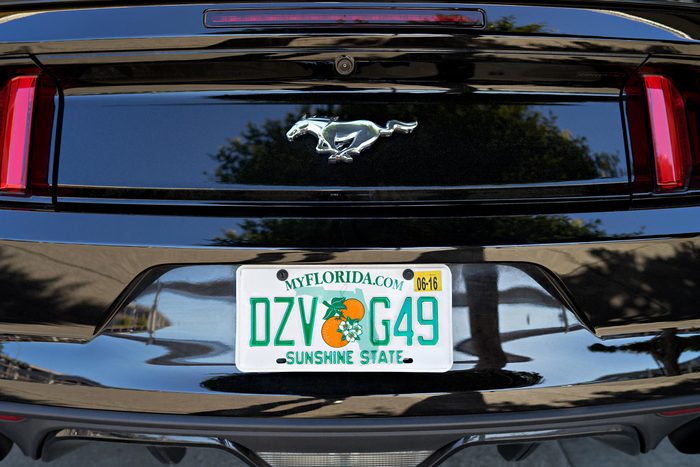
License plate and VIN number
Can you recite your license plate number by heart? Many people can’t, so having a photo avoids having to run back and check when you’re paying to park at a pay station. In the not-so-fun scenario that your car goes missing, having the plate number and VIN number on hand will allow you to inform the police as quickly as possible.
Driver’s license
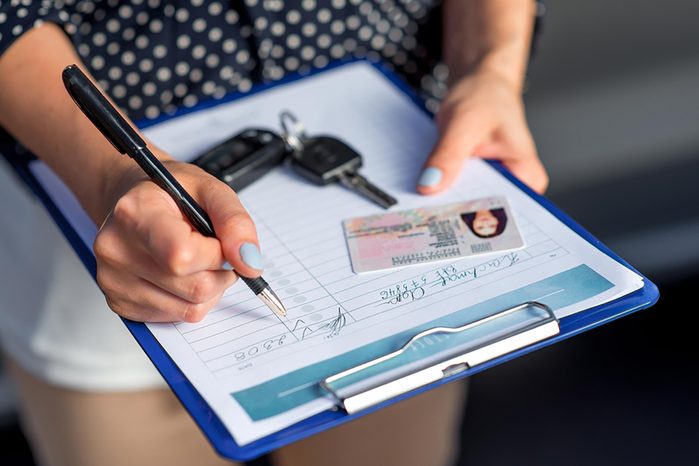
If you lose your wallet, you’ve also lost your valid photo ID. Having this as a backup while you wait for a replacement will solve some headaches but keep an eye out for signs of identity theft. Please note that a photo of your driver’s license will not be accepted by a police officer during a traffic stop.
Passport
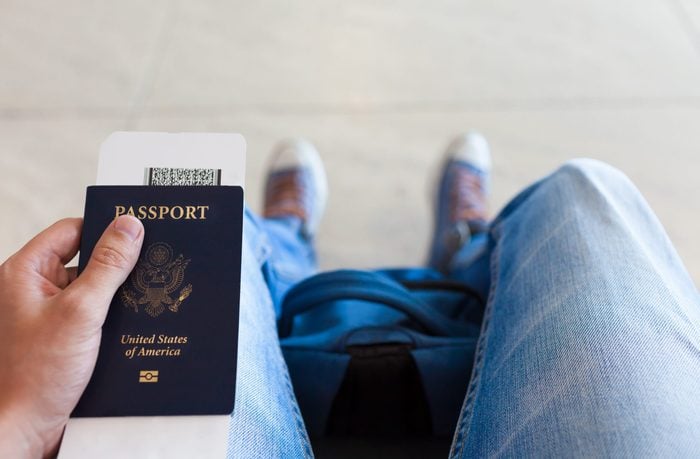
When heading to destinations outside the United States, former Green Beret, Sergeant Major (retired) Karl Erickson has many words of advice for travelers, including photocopying and photographing your passport. “This makes it a lot easier for you to go to the embassy and prove you are a U.S. citizen” should you lose your actual passport.
Auto insurance card
These days, most of us never leave home without our phones, but we do sometimes forget our wallets. And you don’t want to be in a car without an insurance card in case of an accident. Even if you keep the proof in your car, is it the latest, up-to-date version? Plus: Having to dig through your glove compartment while dealing with physical injuries or emotional shakeups is no fun. Allstate lists the states that digital copies of insurance are valid.
Medical and dental insurance cards
If you’ve ever accidentally given an expired insurance card or didn’t have your card on hand for an emergency room visit, you know the unpleasant process of figuring out what the mix-up is, or worse: Having to explain the issue to billing agents trying to collect money you don’t owe. For peace of mind, photograph your medical and dental insurance cards and know where those photos live on your smartphone. Your phone is carrying important information, learn how to tell if your phone has been hacked to avoid any possible chances/mishaps.
Printer model number
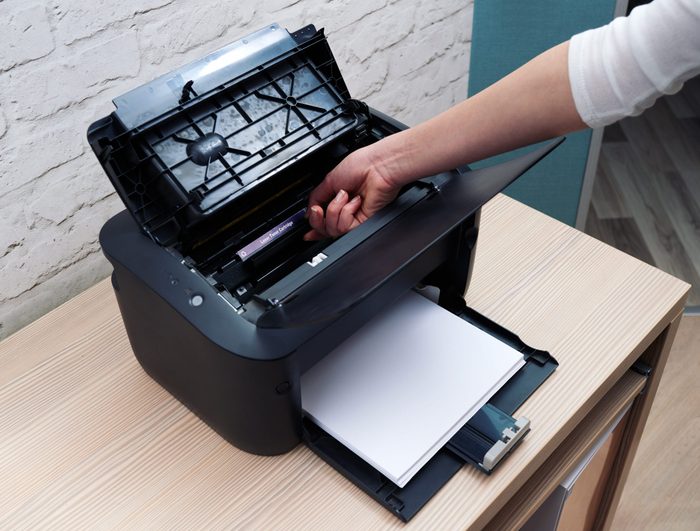
Do you know what is more annoying than running out of ink when you really need to print something out? Going to Staples and realizing that there are about 15 printers that look exactly like yours. Do yourself a favor and snap a pic of your model and serial number. Home to all your needs, check on your iPhone security next.
Computer serial number
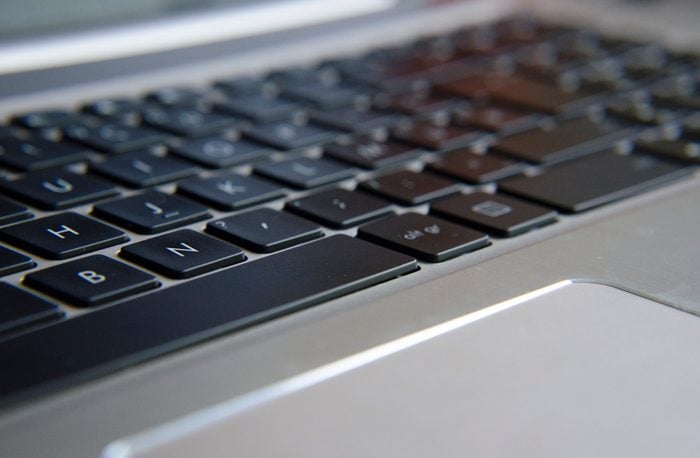
“A serial number is a unique, identifying number or group of numbers and letters assigned to an individual piece of hardware or software,” reports Tim Fisher for Lifewire. “The idea behind serial numbers is to identify a specific item, much like how a fingerprint identifies a specific person. Instead of some names or numbers that specify a whole range of products, a serial number is intended to provide a unique number to one device at a time.”
Having a photo of yours will make reporting it lost or stolen easier. Also, if you’re calling technical support, you will likely need this info, which is typically printed in microscopic type. Having a photo will allow you to zoom in, rather than trying to find a magnifying glass or a pair of young eyes. This goes for any major appliance, too. (After it caught fire is not when you want to look for the serial number.) See what happens when you ignore security warnings on your computer so you can keep your laptop functioning and safe!

Individual photos of children or other family members
There are few things more terrifying than getting separated from someone you love in a crowd. Having a recent photo of them will be a big help in enlisting the help of security guards and people around you in finding them. In critical situations, police ask for three current photos to help in missing person searches.

Any new place that you loved
“If you have location services turned on, the photos you take with your phone are precisely geotagged,” says Freedman. “Forgot to write down the name of that awesome locals-only pub? Opening a photo you took will allow you to find the location, and most of the time, the exact name.”

The hotel or AirBnB you’re staying at
Two ways this can help, says Freedman. When you take a picture, your phone will geotag its location. If you’re in a non-English speaking part of the world, it also offers the option of just showing the pic to the cab driver. Looking for some travel destinations? Learn about mini-vacations that won’t break the bank.
Bank account and routing numbers
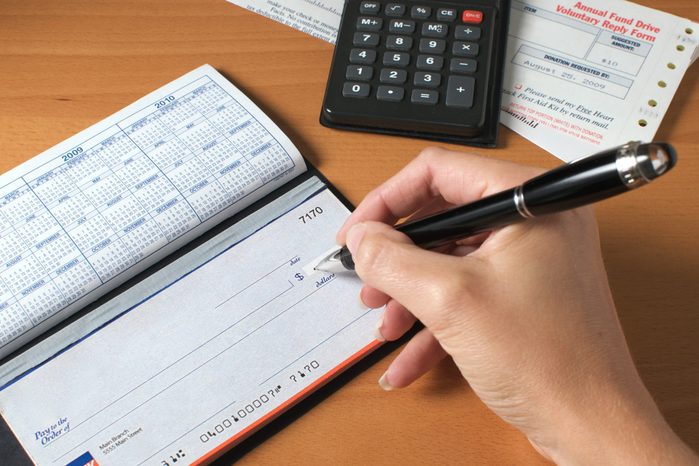
Identity theft and bank fraud account for billions of dollars lost every year. Having screenshots of your accounts and routing numbers will help you more quickly freeze accounts if you notice suspicious activity. And on a less criminal note, it’s useful to have that information on hand for pay-by-phone if you don’t want to keep piling your bills on your credit card.
Credit cards (and customer service number)
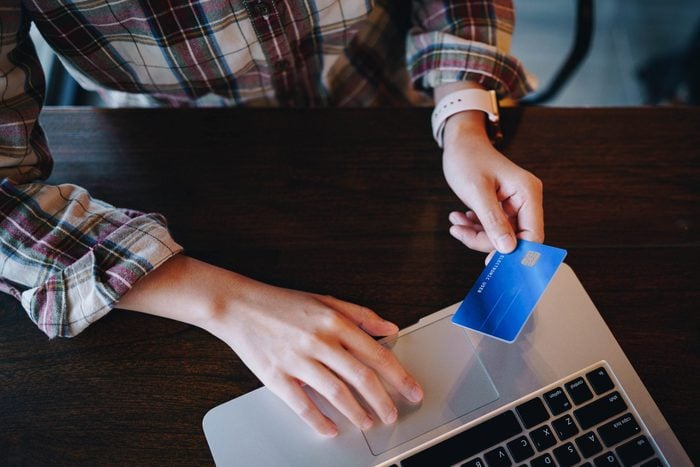
Luckily, canceling lost credit cards and ATM cards is easy to do with a quick call. What’s not so easy is remembering all of the ones you had if your entire wallet goes missing. Having all of them in one place eases some of the pain of this painful experience, says former Green Beret Karl Erickson.
- Sources:
Entrepreneur: “The Green Beret Hotel Check-In Safety List”
Allstate: “Is An Electronic Insurance Card Valid?”
Lifewire: “What Is a Serial Number?”
WRDW: “Reporting a missing person and the process to find them”
Insurance Information Institute: “Facts + aStatistics: Identity theft and cybercrime”
